
Fund with USDT. Spend with a Niftipay Virtual Card.
Create a Niftipay account, complete identity verification and receive a virtual card you fund with USDT from your dashboard. Use it for online purchases, for in-store payments through a compatible mobile wallet, and for subscriptions and other recurring payments. Available to individuals and businesses in supported jurisdictions, subject to KYC and compliance review.
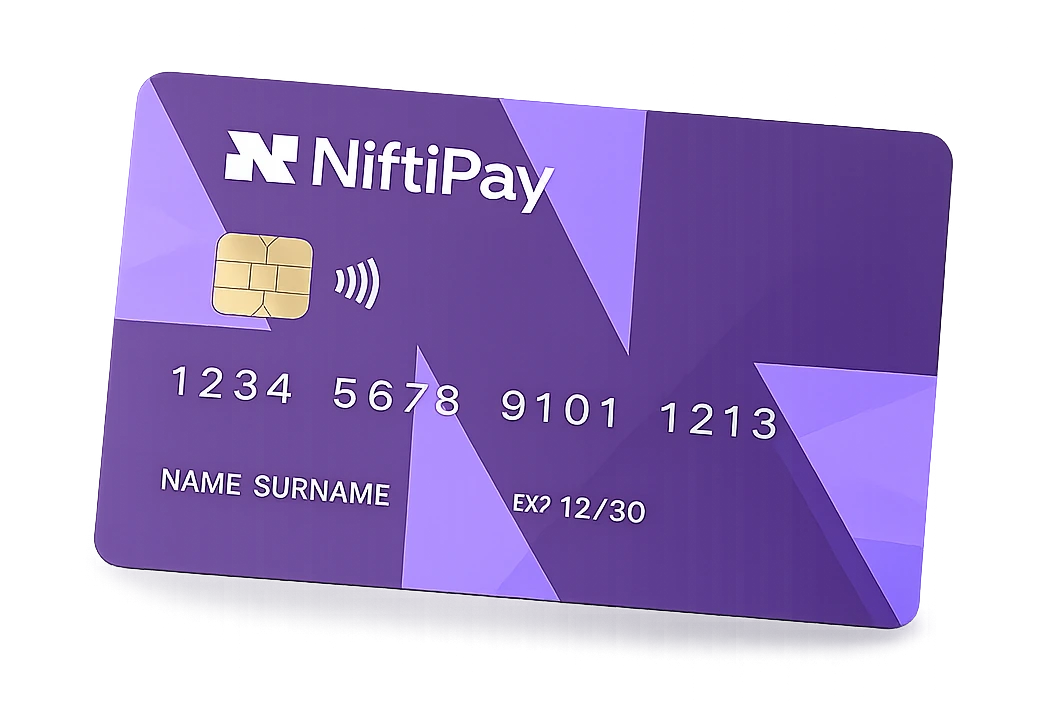
Niftipay Card at a glance
From Niftipay account to ready-to-use virtual card
Niftipay Card is applied for from inside your account rather than through a separate application site. You create a Niftipay account, submit your identity documents for review, and the virtual card appears in your dashboard once the application has been approved.
The review is carried out manually. Applications are normally reviewed within approximately 24 hours, although the time taken depends on the documents provided and on the compliance checks required. Approval is not automatic.
Create your Niftipay account
The card application is available from your user dashboard, so the first step is to create a Niftipay account and sign in.
Complete identity verification
A passport or government-issued identity document is required, together with a verifiable residential address. The review is manual and normally takes approximately 24 hours.
Receive and activate the card
Once the application is approved, the virtual card appears in your dashboard and activates automatically. Your card number, expiry date and CVV are available in your account.
Fund with USDT and start spending
Choose ERC-20 or TRC-20, send USDT to the funding address assigned to you and confirm the top-up. The amount that will be credited is shown before you confirm.
Top up through your assigned USDT address
Niftipay Card is funded with USDT. Inside the platform you are given dedicated funding details that belong to your account only, and a top-up is credited to your card once the network has processed the transfer.
ERC-20 and TRC-20 use separate addresses. Choose the network you intend to send from and send only USDT on that network, because funds sent on a different network or in a different asset can be lost.
A top-up normally appears in approximately ten minutes once the required network processing has completed. Confirmation times depend on the network and are not guaranteed.
Always use the address assigned to the selected network. ERC-20 and TRC-20 addresses are not interchangeable.
- Funding details assigned to youEach user receives dedicated funding details inside the platform, so a top-up is credited to the correct account.
- A separate address per networkERC-20 and TRC-20 have their own addresses. They are not interchangeable, so select the network before sending.
- 100 to 2,500 USDT per top-upThe minimum top-up is 100 USDT and the maximum is 2,500 USDT per top-up. Larger amounts can be added across several top-ups.
- 5% top-up feeNiftipay charges 5% on each top-up. The amount that will be credited to the card is displayed before you confirm the operation.
Only USDT is supported
Niftipay Card is funded with USDT only, on the ERC-20 or the TRC-20 network. Other assets and other networks are not supported. Conversion costs charged outside Niftipay are separate from the 5% top-up fee.
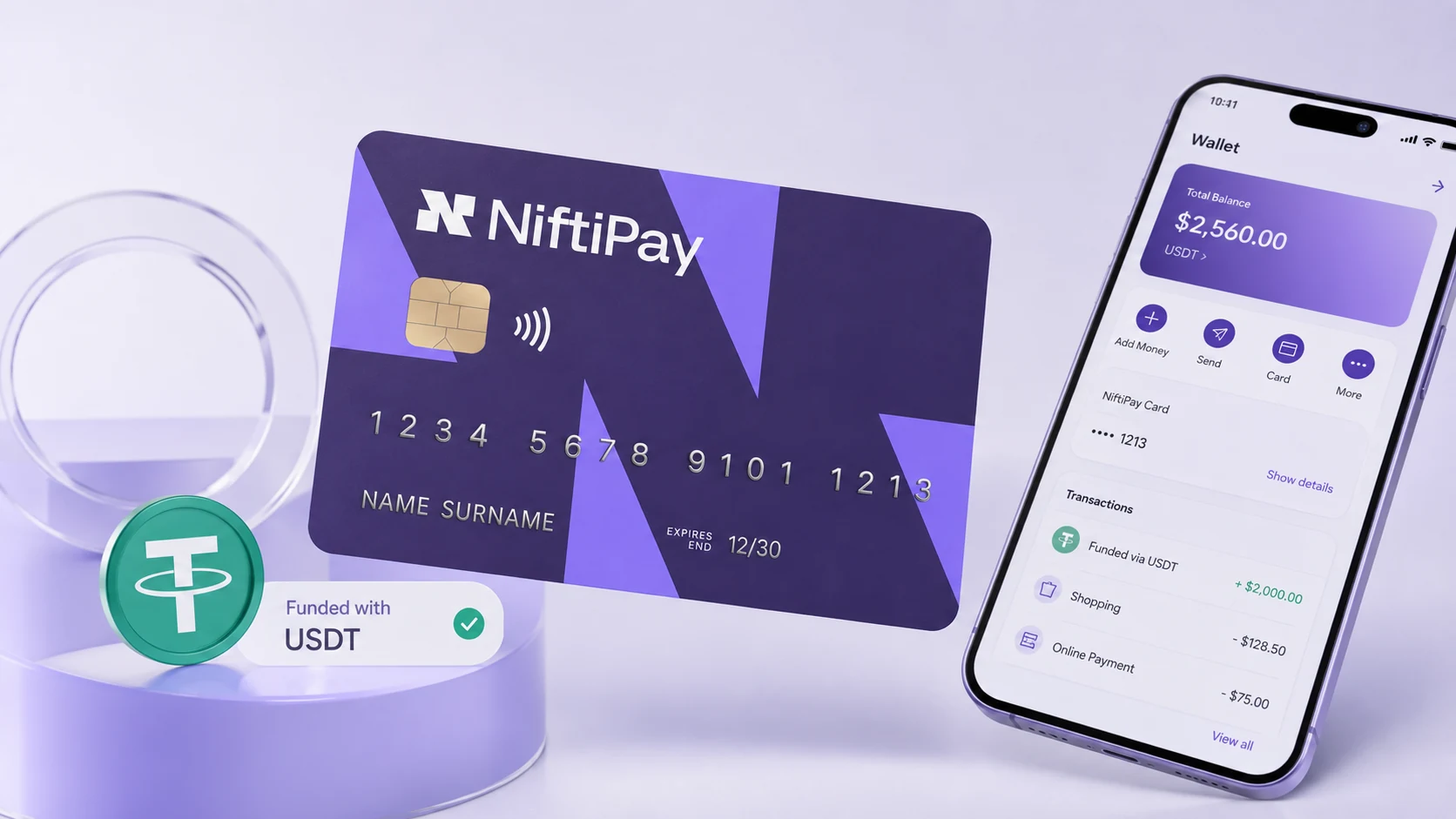
Two networks, two separate addresses
Niftipay Card accepts USDT on two networks. Each has its own funding address inside your account. Always use the address assigned to the selected network: ERC-20 and TRC-20 addresses are not interchangeable.
Built for everyday online and in-store spending
Once the card is funded it behaves like any other card at checkout. Your full card number, expiry date and CVV are available in your account, and the card supports 3D Secure authentication where a merchant requests it.
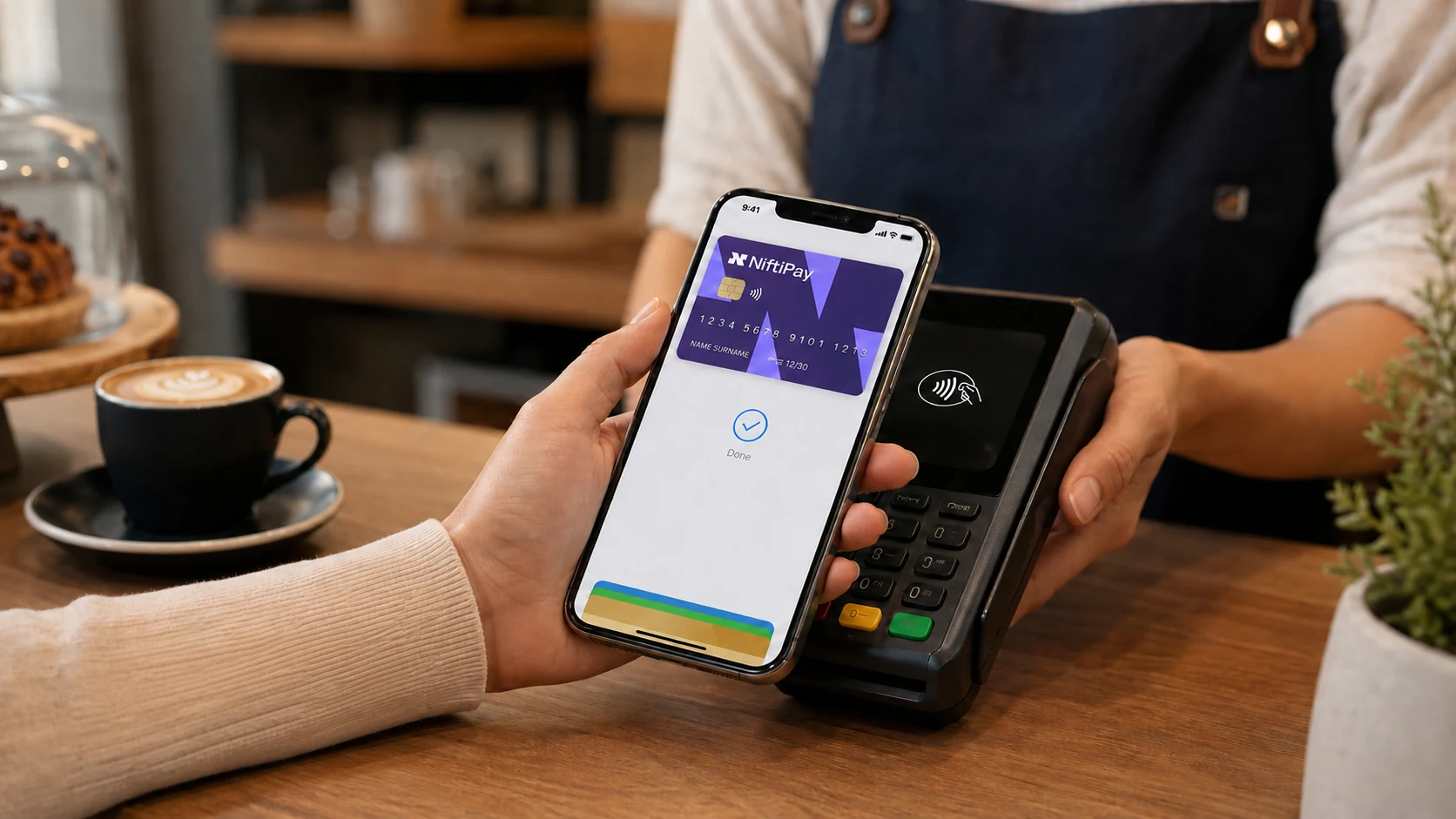
In-store payments are made through a compatible mobile wallet rather than a physical card, because Niftipay Card is issued virtually.
- Online purchasesPay on ecommerce sites, marketplaces and digital services in the same way as with any other card.
- In-store mobile-wallet paymentsAdd the card to Apple Pay or Google Pay where supported and pay contactlessly from your phone.
- Subscriptions and recurring servicesUse the card for recurring services and subscriptions, subject to the available card balance.
- Hotel and car-rental bookingsThe card may be used for hotel bookings and car rentals, although it does not support deposits or preauthorisation holds.
- Business software and advertising servicesThe card may be used for legitimate advertising-platform payments and for business software and services.
- Refunds returned to the cardA refund issued by a merchant can be returned to the same card, and Niftipay does not charge a separate refund fee.
Acceptance is not universal
Merchant acceptance, card-network rules and programme restrictions apply, so not every merchant or transaction type can be paid for with Niftipay Card.
What the card does not support
Some transaction types and merchant categories fall outside what the card programme permits. Knowing them in advance avoids a declined payment at the checkout.
The categories below are the ones confirmed as restricted. Card-network and programme rules can change, and further restrictions may apply to an individual account.
Operational limitations
- No ATM withdrawals
- No cash access
- No deposits
- No preauthorisation holds
Restricted merchant categories
- Explicit adult services
- Crypto exchanges and crypto trading
- Securities and investment trading
- Weapons
- Narcotics or controlled substances
- Other restricted programme categories
Merchant acceptance, card-network rules and programme restrictions apply.
Understand the cost before you fund the card
Niftipay charges 5% on each top-up. Beyond that, there is no monthly card fee and no separate Niftipay charge for ordinary purchases, declined transactions, inactivity or refunds.
- 5%Niftipay top-up fee
- 100 USDTMinimum top-up
- 2,500 USDTMaximum per top-up
- No monthly feeCharged by Niftipay for the card
| Fee or limit | Niftipay charge | What applies |
|---|---|---|
| Top-up fee | 5% per top-up | Charged by Niftipay on each top-up. External conversion costs are separate. |
| Minimum top-up | 100 USDT | The smallest amount that can be sent in a single top-up. |
| Maximum per top-up | 2,500 USDT | Larger amounts can be funded across several separate top-ups. |
| Card issuance or activation | May apply | The cost can depend on the user or the programme and is displayed before you confirm. |
| Monthly card fee | None | Niftipay does not charge a monthly fee for the card. |
| Card purchases | No separate fee | Niftipay does not charge a separate fee for ordinary card purchases. |
| International purchases | No separate fee | Niftipay does not add its own international-purchase fee. Currency conversion may be carried out by the issuing bank or the card network, and an external conversion rate or cost may apply. |
| Declined transactions | No fee | Niftipay does not charge for a declined transaction. |
| Inactivity | No fee | Niftipay does not charge an inactivity fee. |
| Refunds | No fee | Niftipay does not charge a separate fee when a refund is returned to the card. |
| Card replacement | May apply | A replacement or issuance cost may apply and is displayed before you confirm. |
| ATM withdrawals | Not supported | Cash withdrawals are not available with Niftipay Card. |
| Spending limits | Not published | Subject to the available card balance and to account, programme, network and compliance controls. |
External bank, card-network or foreign-exchange costs are separate from Niftipay fees and may vary by transaction. The amount that will be credited, and any issuance or replacement cost, is displayed in your account before you confirm the operation.
Card details, transactions and controls in one account
Everything to do with the card is handled from your Niftipay account: the card details themselves, the transactions made with it, and the controls you need if something looks wrong.
If your phone is lost or stolen, sign in to your Niftipay dashboard from another device and freeze the card. You can contact Niftipay support about declined payments, refunds and unrecognised merchants, and the Niftipay security controls page explains how account access is protected.
- View card details
- Freeze and unfreeze the card
- Review transactions
- Receive purchase notifications
- Copy card details
- Download transaction records
- Request a replacement
- Contact support for declines, refunds or unrecognised merchants
The panel above is a conceptual illustration. It is not a screenshot of the Niftipay dashboard and does not show real account data.
Spending limits are not user-configurable
Individual spending limits cannot currently be set from the dashboard. Transactions remain subject to the available card balance and to account, programme, network and compliance controls.
One virtual card product for individuals and businesses
The same card product is issued to individuals and to businesses. What changes is how the account is used, not the card itself. Employees who need their own Niftipay Card must create and verify their own Niftipay accounts.
Prepare your account and verification details
Having these ready before you start keeps the manual review short.
- Create a Niftipay account
- Be at least 18 years old
- Have a passport or government-issued ID
- Provide a verifiable residential address
- Complete manual KYC review
- Prepare at least 100 USDT when you are ready to fund the card
Card approval and availability remain subject to KYC, compliance review and programme conditions.
Who can apply for Niftipay Card?
Niftipay Card is open to individuals and to businesses. A Niftipay account is required, and every application goes through a manual identity check before a card is issued.
Availability depends on the jurisdiction and on the outcome of the compliance review. Niftipay Card is available in supported jurisdictions, subject to KYC and compliance review, and the countries covered are confirmed during the application.
Approval is not guaranteed
Applications are assessed individually. Approval depends on identity verification, the applicable jurisdiction, compliance review and programme conditions.
- Minimum age of 18Applicants must be at least 18 years old.
- Passport or identity documentA passport or government-issued identity document is required for the KYC review.
- Verifiable residential addressA residential address that can be verified is required as part of the application.
- A Niftipay accountThe application is submitted from inside the dashboard, so a Niftipay account has to be created first.
- Manual reviewEvery application is reviewed manually and is normally completed within approximately 24 hours.
- Supported jurisdictionsAvailability depends on the supported jurisdiction and on the compliance review carried out for the account.
Need to receive payments instead?
Niftipay Card is designed for spending. Businesses that need to accept card or crypto payments from their own customers can compare Niftipay payment products to see how Card Payments and Crypto Payments differ from the card.
Ready to apply for Niftipay Card?
Create your Niftipay account, complete identity verification and apply for your virtual card from the dashboard. Available in supported jurisdictions, subject to KYC and compliance review.